Biweekly Budget Spreadsheet
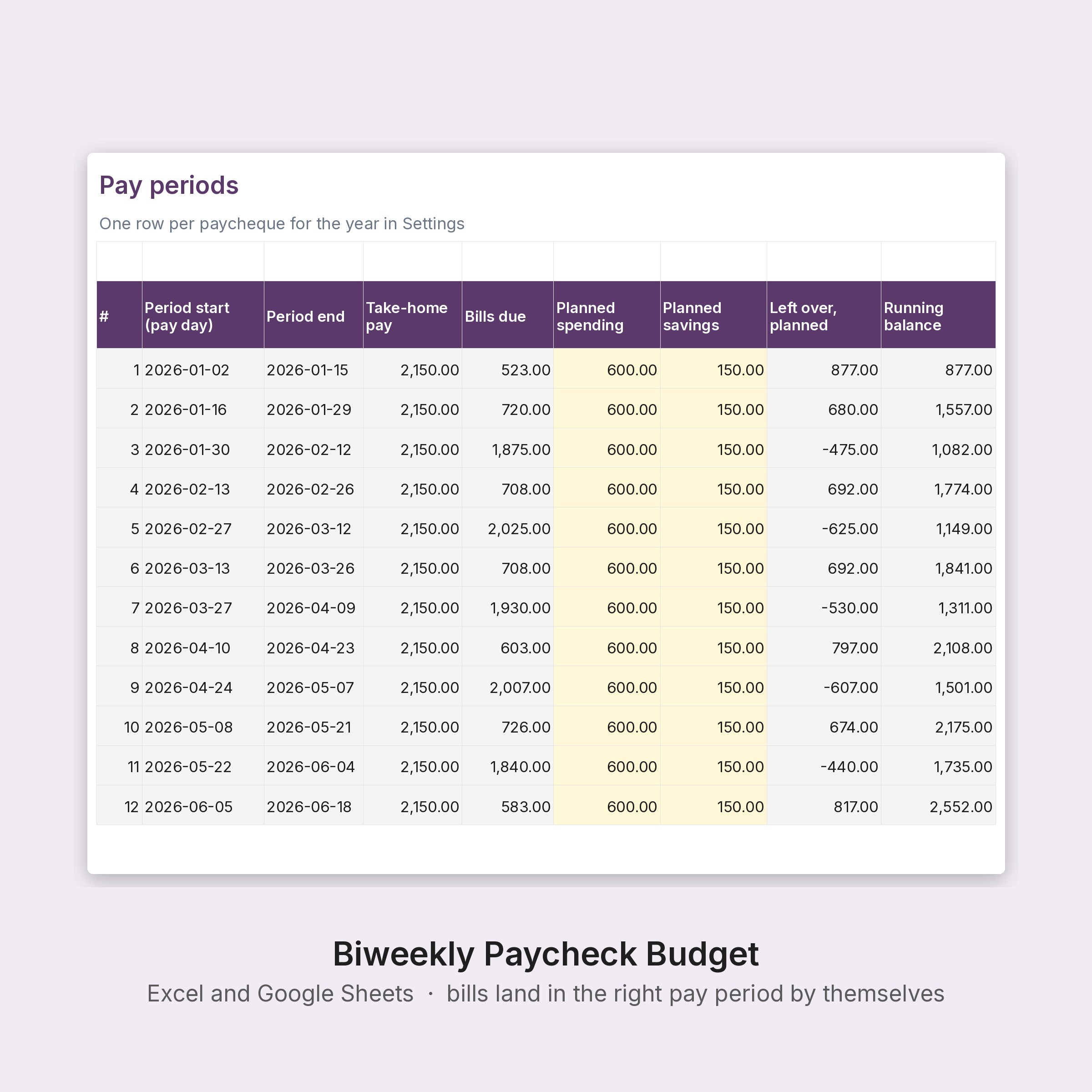
Budget by paycheque instead of by month: enter your pay date and your bills once, and every pay period shows which bills fall in it, what is planned for spending and savings, and what is left, with a running balance so the rent week is covered by the weeks before it.
Checkout opens on Stripe. The download page appears the moment payment goes through, and your receipt email carries the link. Digital files only; nothing is shipped.
- Excel Biweekly-Paycheck-Budget.xlsx
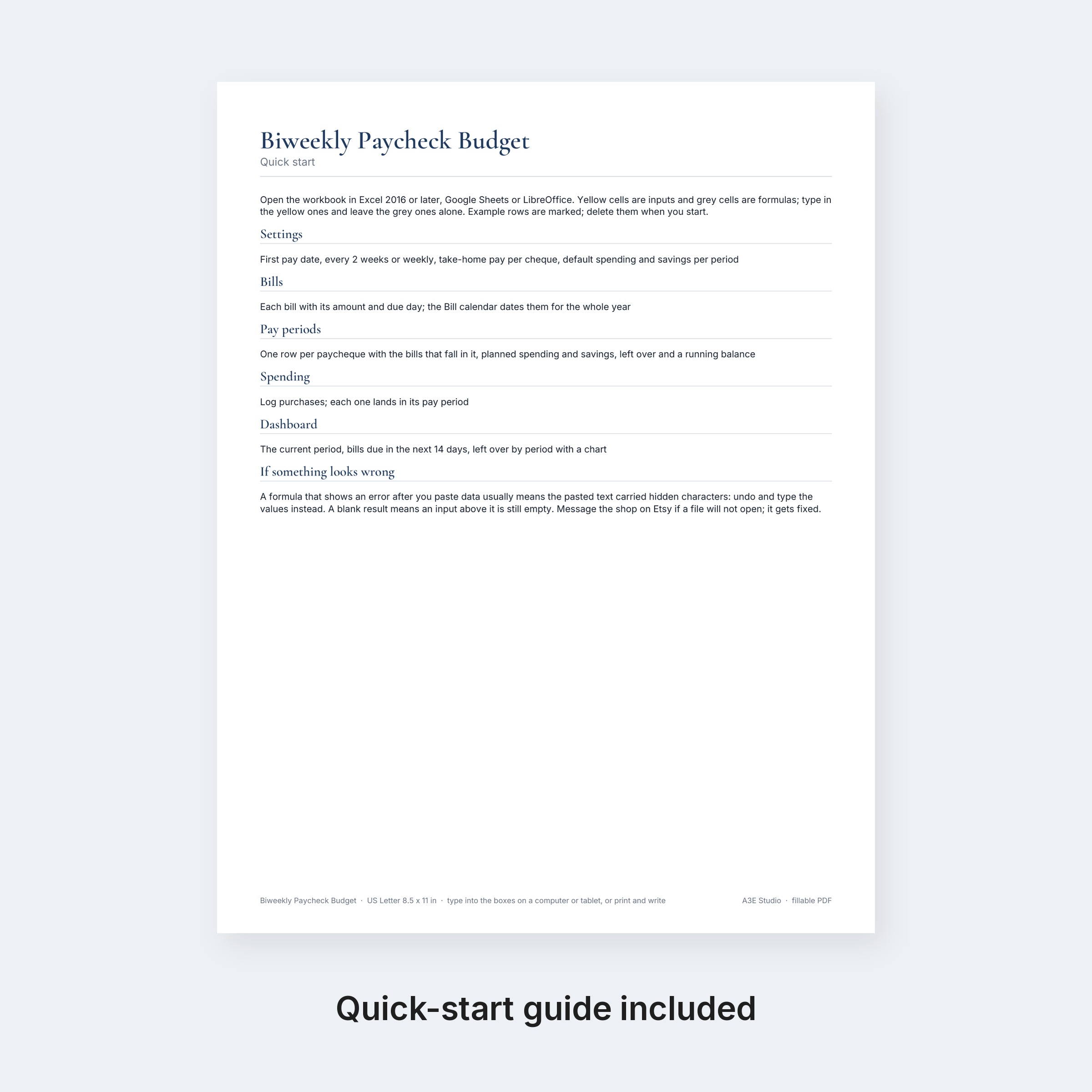
- PDF Paycheck-Budget-Quick-Start.pdf
Also sold on Etsy; buying here costs less and the files are the same.
Budget by paycheque instead of by month: enter your pay date and your bills once, and every pay period shows which bills fall in it, what is planned for spending and savings, and what is left, with a running balance so the rent week is covered by the weeks before it.
WHAT YOU GET
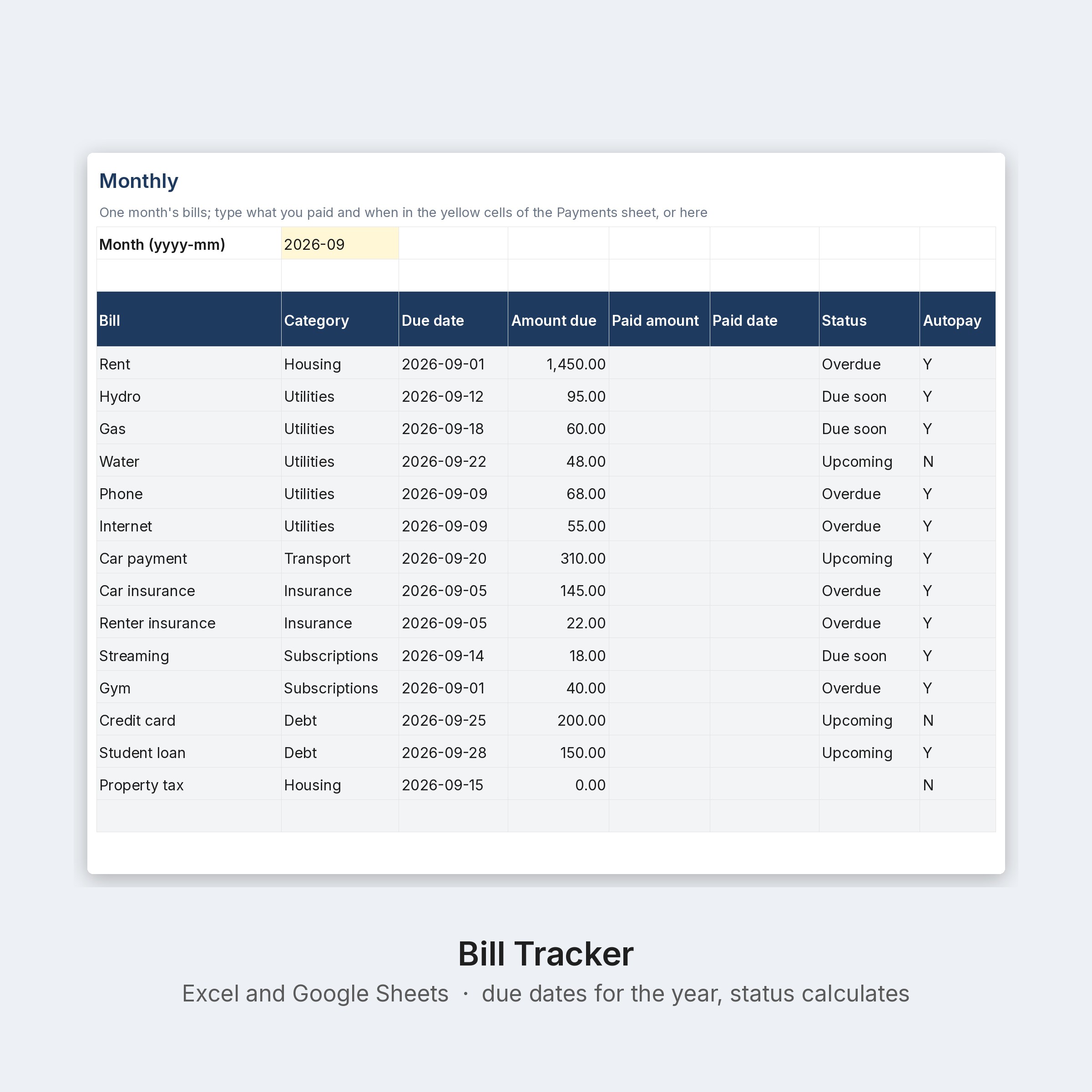
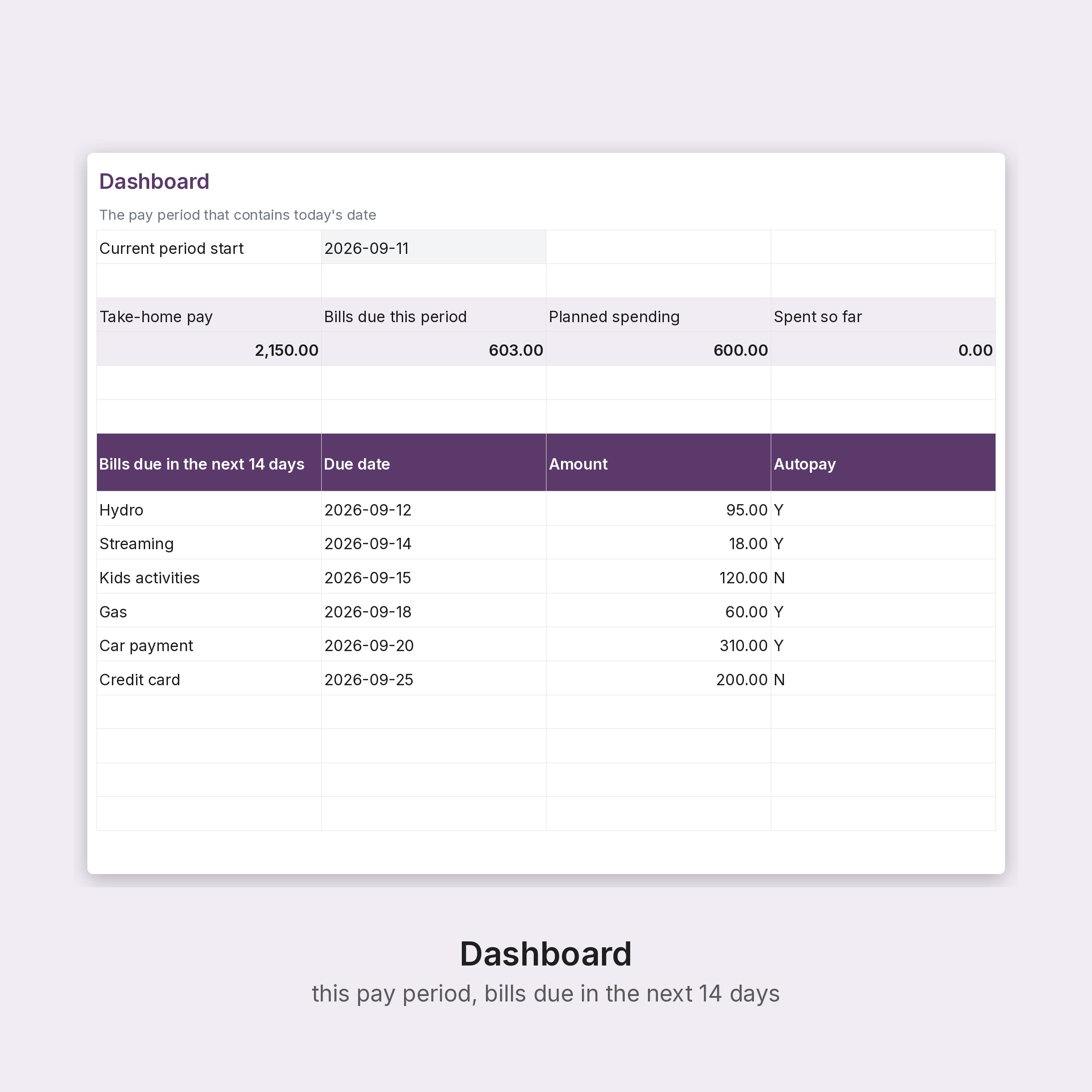
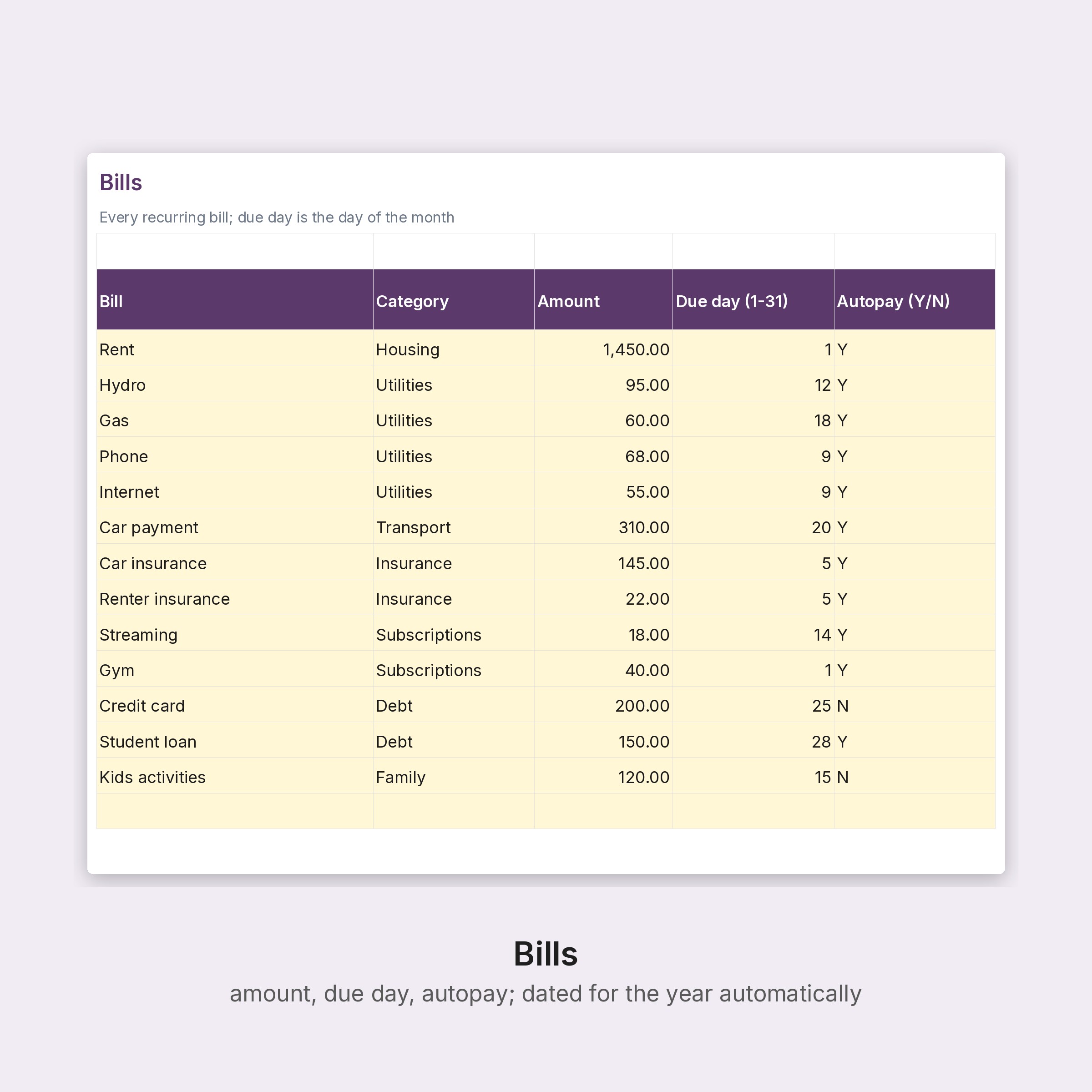
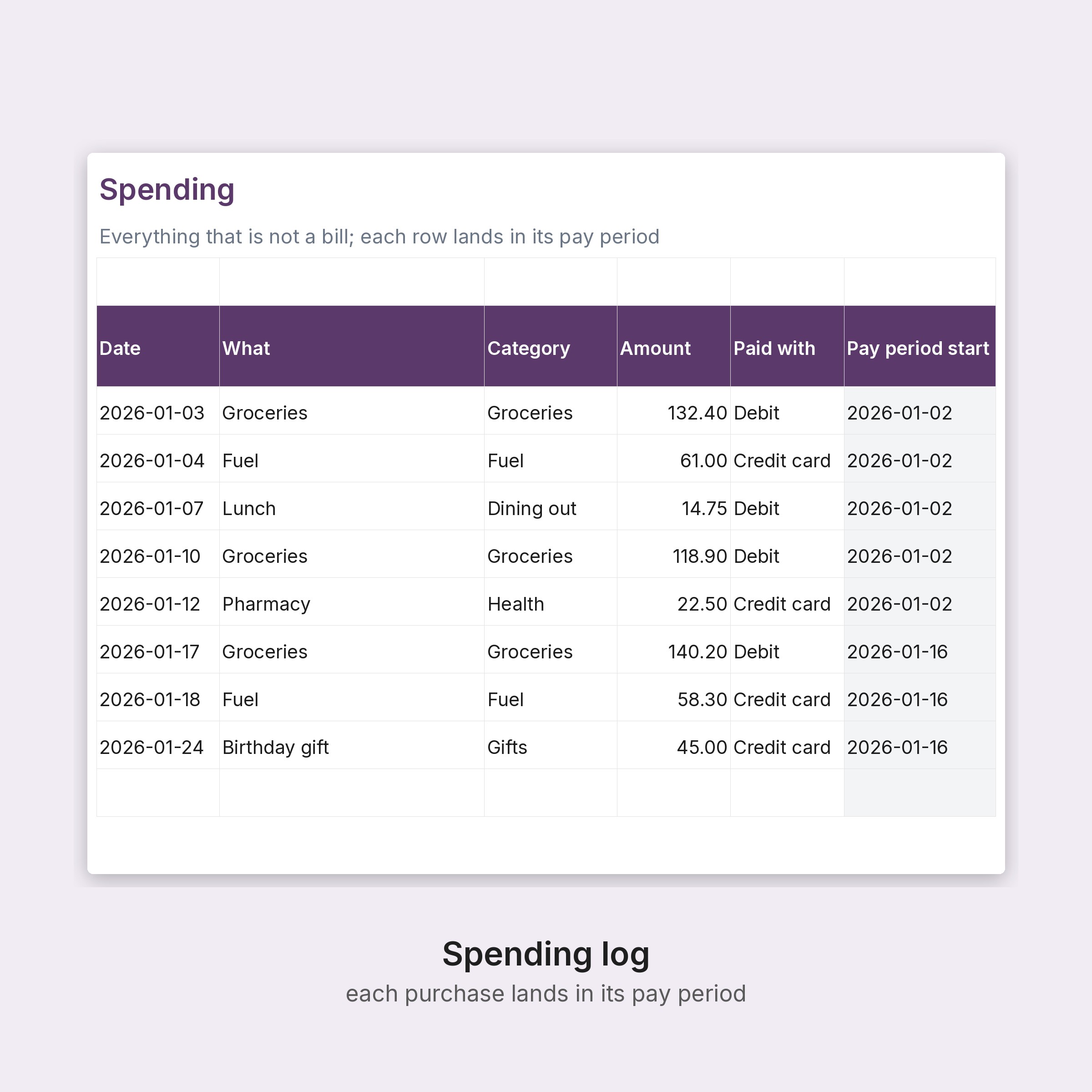
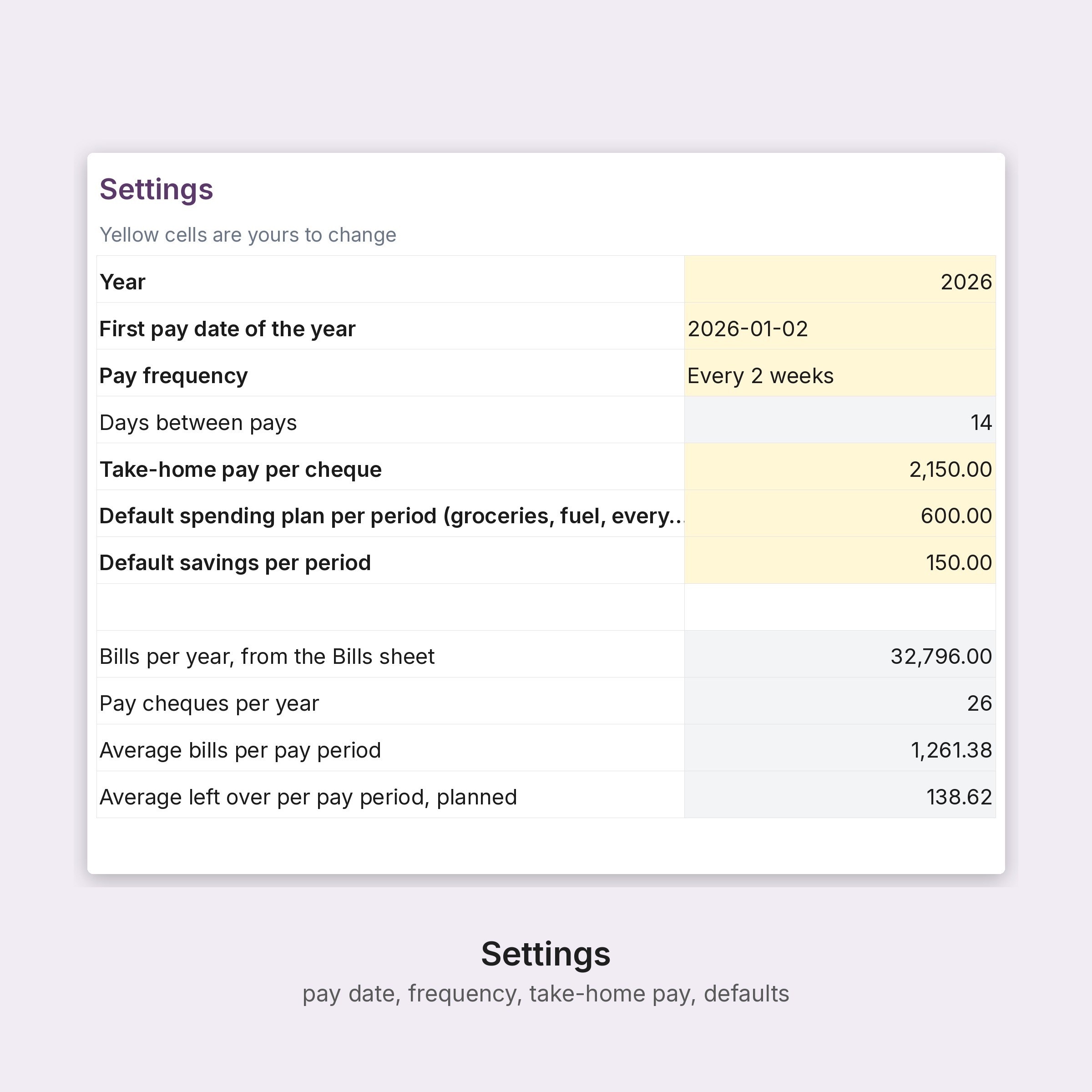
- Biweekly Paycheck Budget (Excel): Start here, Dashboard (current period, bills due in the next 14 days, left over by period with a chart), Pay periods (one row per paycheque: pay, bills due, planned spending and savings, left over, actual spending, running balance), Settings (first pay date, every 2 weeks or weekly, take-home pay, defaults), Bills (40), Bill calendar (dated automatically), Spending log (2,000 rows)
- Quick-start PDF
5,684 formulas, recalculated and checked for errors before listing.
HOW TO USE
1. Buy, then download on the page that opens right after payment (your Stripe receipt email carries the same link).
2. Open the workbooks in Excel 2016 or later, Google Sheets or LibreOffice; the quick-start PDF opens in any PDF app.
3. Yellow cells are inputs, grey cells calculate. Replace the example rows with your own.
PLEASE NOTE
- Digital download only; nothing is shipped. Returns are not possible on digital files; if a file will not open, email [email protected] and it gets fixed.
- Works in Excel 2016 or later, Google Sheets and LibreOffice; drop-downs and the chart included. Any currency; dates follow your computer's format.
- Templates are not legal, tax or insurance advice. Have agreements reviewed by your own counsel and follow your own operating rules.
- For use in one business. Not for resale or redistribution.
Designed by A3E Studio (Ontario, Canada) and generated by our own software; every formula is recalculated and checked before listing.